
If you have ever thought “AI is for tech people, not for me,” this post is specifically for you. Not a tutorial. Not a list of apps. A real story about a real person who had exactly that thought, tried one small thing anyway, and has not looked back since.
The person in this story is not a developer, a digital marketer, or anyone with a background in technology. She runs a small event planning business from her living room in Manchester. She has two kids, a partner who works shifts, and an inbox that used to follow her to bed every night. Her name is Claire. And eight weeks ago, she got her evenings back.
Meet Claire
Before we get into what she did, it helps to know exactly who Claire is, because the chances are you will recognise something of yourself in her situation.

The Person Behind This Story
Claire Donovan
Claire has been running her event planning business for six years. She plans corporate away-days, birthday celebrations, and small weddings, mostly for clients in the Greater Manchester area, with a handful from further afield who found her through word of mouth. She is good at what she does. Her clients love her. Her Google reviews are consistently five stars.
But there is a version of Claire’s day that her clients never see. The version that starts at 9pm when the kids are in bed and runs until midnight, sometimes past it. The version where she is sitting at the kitchen table with a cold cup of tea, answering the same enquiry she has answered forty-three times before, rewriting the same email to a venue coordinator, and trying to put together a social post that does not sound identical to last week’s social post.
She is not behind on her business. She is drowning in the administration that surrounds it.
A Day in Claire’s Life, Before AI
This is not a dramatisation. This is roughly what a Tuesday looked like for Claire before she made any changes:
This was not a bad day. This was a normal one. And it was happening four nights a week.
“I told myself I just needed to get on top of things and it would slow down. But it never slowed down. I was running to stand still, and I was exhausted in a way that a weekend off couldn’t fix.”
The First Try, and the Hesitation Before It
Claire’s sister mentioned ChatGPT at a family dinner in March. Claire’s response was immediate and certain: “That’s not for me. I’m not a tech person. I just plan events.”
She held that position for about three weeks. Then, on a Wednesday evening at 10:15pm, she was staring at a blank email to a potential client. A simple reply to a straightforward enquiry, and she had nothing. Her brain was done. She opened ChatGPT on her phone, pasted in the client’s message, and typed: “Can you help me write a professional reply to this event enquiry? I run a small event planning business and I want to sound warm but organised.”
It came back with a complete, well-structured email in about twelve seconds.
She did not send it word for word. She spent two minutes adjusting the tone and adding a specific detail from the client’s message. Then she sent it. The whole process took four minutes. The same email would normally have taken her twenty-five.
She closed the laptop at 10:19pm. That had never happened before on a Wednesday.
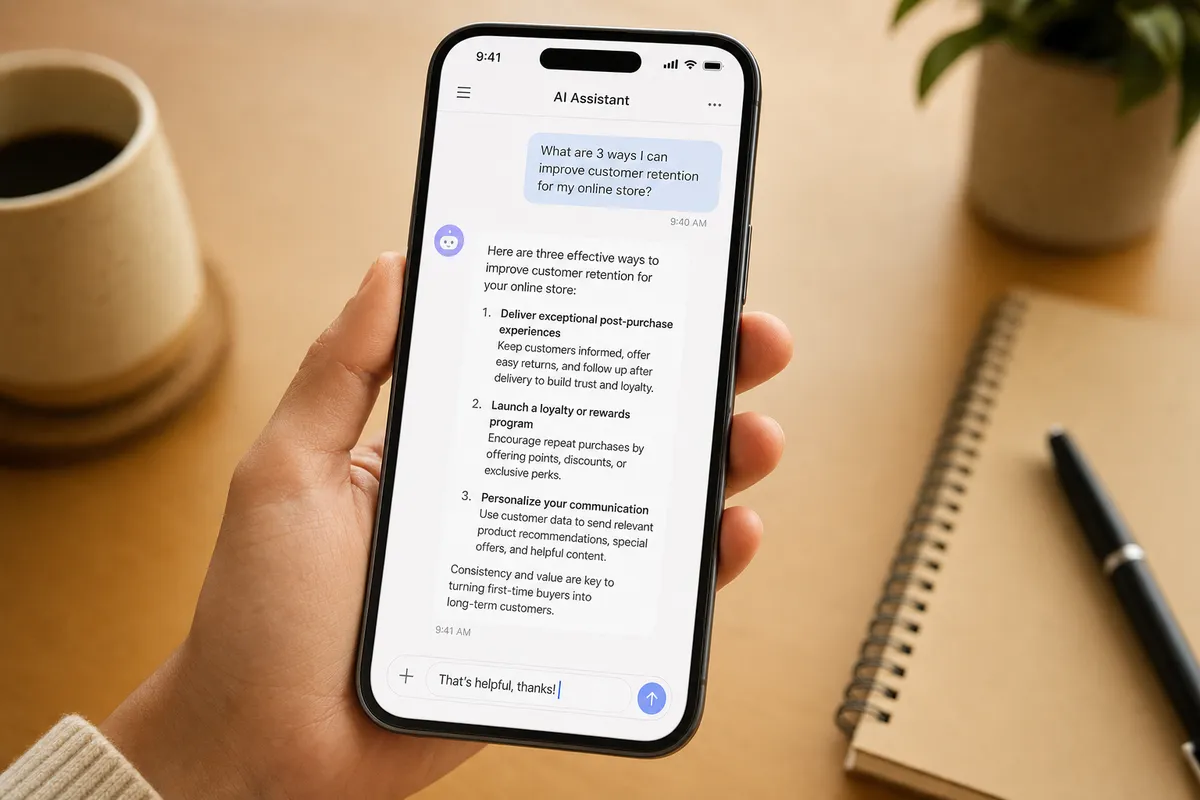
The interface is exactly this simple. If you can send a WhatsApp message, you can use AI.
The Four Workflows She Built Over Eight Weeks
Claire did not overhaul her business. She did not take a course or read a guide. She started with one task, built confidence, and gradually moved the same logic to the other tasks that were eating her time. Here is what that looked like:
Workflow 01
Client Enquiry Replies
She pastes the client’s enquiry into ChatGPT with a short instruction about her tone and the type of event. Gets a draft in seconds. Personalises in two minutes. Sends.
Saving: ~20 min per reply → 3 min per reply
Workflow 02
Instagram Caption Batching
Once a week she describes three to four recent events or behind-the-scenes moments and asks for captions in her voice. Reviews and schedules all of them in one sitting instead of daily.
Saving: 4 hrs/week of daily staring → 30 min batch
Workflow 03
Vendor Follow-ups
She maintains a short prompt template for chasing venues, caterers, and suppliers. Fills in the specific details, gets a firm but professional nudge email drafted instantly.
Saving: ~15 min per email → 2 min per email
Workflow 04
Quote Summaries
After a client call, she dictates rough notes into her phone, pastes them into ChatGPT, and asks it to structure a clear project summary. She reviews and sends it as a pre-quote overview.
Saving: 45 min per quote → 12 min per quote
None of these workflows required any technical setup. No integrations, no APIs, no software beyond a free ChatGPT account. The only investment was the 30 minutes she spent one Sunday afternoon writing out a short description of her business and her tone. She called it her “prompt starter” and pasted it at the beginning of any new request so she never had to explain herself from scratch.
Eight Weeks Later: What Actually Changed

Claire’s evenings now end before 10pm, most nights. The kitchen table is hers again by 9:30.
Her revenue did not change. Her client base did not change. What changed was how much of her own life she got back in the process of running her business. She has been at bedtime with both kids every night for the past six weeks. She finished a book for the first time in two years. She is no longer the last person awake in her house by default.
The work is the same. The friction around the work is significantly less.
“I still don’t think of myself as a tech person. I just think of it the same way I think of my calendar app. It’s a tool. It helps me do the thing I actually do, which is planning great events for people. It doesn’t replace that. It just gets the boring part out of the way faster.”
What This Means for You
Claire’s story is not unique. It is, if anything, representative. The order is almost always the same: scepticism first, then a reluctant first try, then an immediate result, then gradual adoption. It plays out across nearly every non-technical person who eventually engages with AI tools. The barrier is never skill. It is always the first attempt.
The tasks that tend to yield the fastest results are the ones you do repeatedly, the ones that involve written communication, and the ones where you already know what a good outcome looks like but find it hard to get there from a blank page. Most people have at least two of those tasks in their daily or weekly routine.
You do not need to change your business, your tools, or your workflow. You need to try one thing, once, this week. The worst outcome is that the draft it produces is not quite right and you spend five minutes adjusting it. That is still faster than starting from scratch. And the more likely outcome is that you finish twelve minutes earlier than expected and spend the next ten wondering what took you so long to try.